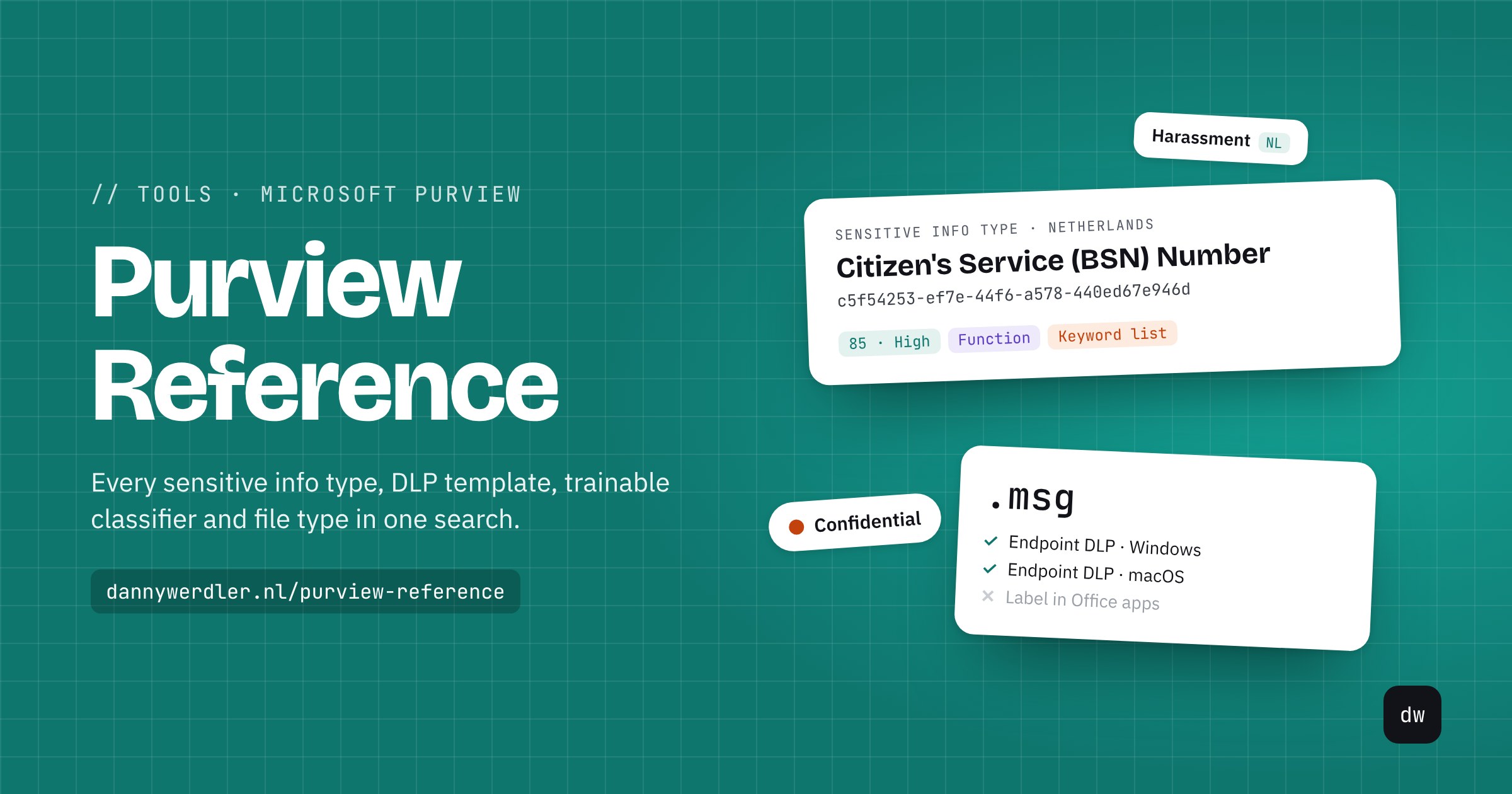
How often have you stared at a GUID in an alert, a DLP report or Activity explorer and wondered which sensitive information type it was? Or looked for the one Learn page that tells you whether Endpoint DLP actually scans .msg files? I did, often enough to build something for it. Today I’m sharing it: Purview Reference.
What it is
Purview Reference is a free, searchable lookup tool for the building blocks of Microsoft Purview data classification and DLP. One search box covers everything: type a name, paste a GUID, or type an extension such as .pdf and press Enter.
- Sensitive information types (248). Every built-in SIT with its GUID, recommended confidence, proximity and the patterns per confidence level: primary element, supporting evidence and keyword lists where Microsoft publishes them. Each type also shows which DLP policy templates use it, plus ready-to-copy PowerShell to look it up or use it as a DLP rule condition.
- DLP policy templates (51). All built-in templates by category – Financial, Medical and health, Privacy – and the SITs each one looks for. Open the GDPR Enhanced template and you’ll see exactly which Dutch types (BSN, passport, driver’s licence, tax number, addresses) are in it.
- Trainable classifiers (77). The pretrained classifiers, grouped by topic and filterable on Dutch language support. Spoiler: only three of them – Harassment, Profanity and Threat – evaluate Dutch content. Worth knowing before you promise a client classifier-based auto-labelling.
- File types (162 extensions). Type an extension and see in one card whether Endpoint DLP scans it on Windows and macOS, whether activity is audited without a policy match, whether sensitivity labels work in Office apps, Office for the web and SharePoint, and where the DLP condition “content contains sensitivity label” applies.
- Match tester (new). Paste a piece of text and see which sensitive information types would match, at which confidence level and on what evidence. It covers the 31 types whose patterns can be evaluated: the regular expressions Microsoft publishes, plus my own checksums for BSN, IBAN and credit cards. Where a higher level depends on a keyword list Microsoft doesn’t publish, it says so, and it generates the
Test-DataClassificationcommand to verify the result in your own tenant. Try it. - Best practices (new). The checklist I run before the first label in every Purview project, with PowerShell and pitfalls from the field. More on that in 15 checks before your first label.
Why I built it
In almost every Purview project the same questions come back. Which SIT is behind this GUID? Does the GDPR template cover the BSN? Why does this policy never match – is the confidence level too high? Can we classify Dutch HR documents with a trainable classifier? The answers exist, but they are spread across dozens of Learn pages and PowerShell output. I wanted them in one place, in the order you actually need them during a workshop or a troubleshooting session.
Where the data comes from
The sensitive information types come straight from Microsoft’s own rule package, exported with Get-DlpSensitiveInformationTypeRulePackage from a Purview tenant. The export script only reads Microsoft’s built-in types; custom, tenant-specific types never end up on the site. The DLP templates, classifiers and file type support are based on Microsoft Learn, with the classifier descriptions written in my own words.
One thing I learned along the way: Microsoft does not publish every regular expression and keyword list in the exported rule package. For BSN, for example, the detection function and the name of the keyword list are visible, but the keywords themselves are not. The tool marks those parts as “not published” rather than guessing.
Privacy by design
Everything runs in your browser. There’s no account, no tracking in the tool and nothing you type is sent anywhere. That matters, because sooner or later someone pastes a real GUID or file name from a customer environment into a search box.
A few handy links
- Netherlands Citizen’s Service (BSN) Number
- All DLP policy templates
- Trainable classifiers
- Does Purview handle .msg files?
What’s next
One feature is still on the list: an Endpoint DLP readiness check, a small PowerShell script that takes a snapshot of a device, which the tool then reads in your browser to show whether the device is ready for Endpoint DLP. The Match Tester, the other feature I announced here, is now live (see above).
The data is refreshed regularly, together with my monthly Purview release posts. Missing something, or found an error? Let me know via the contact page.